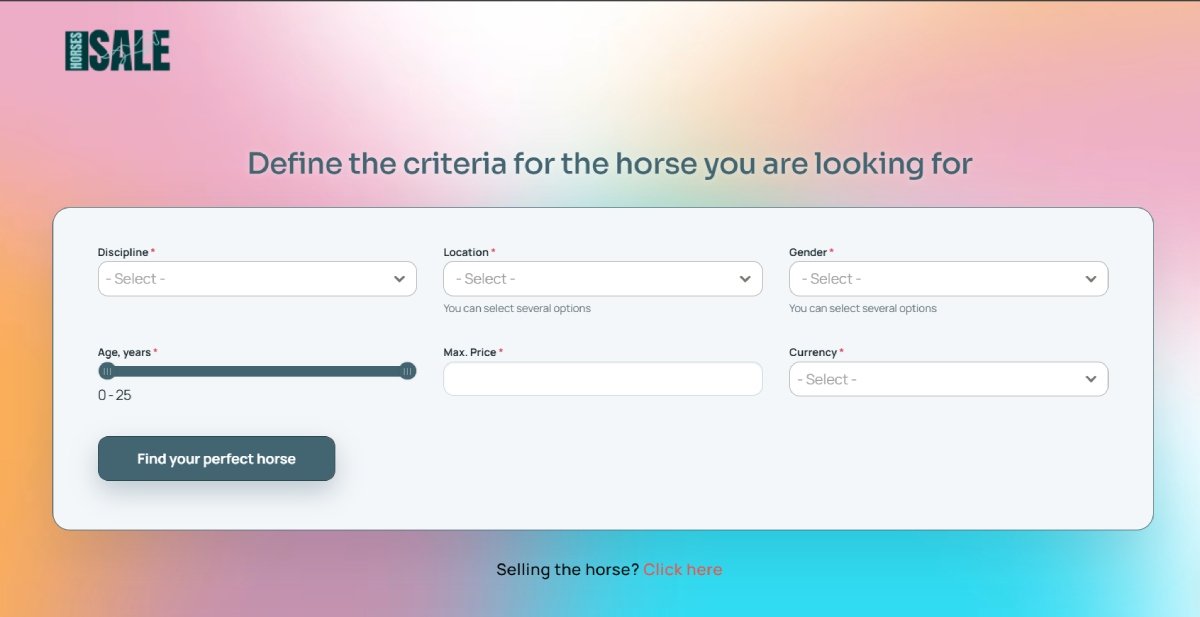
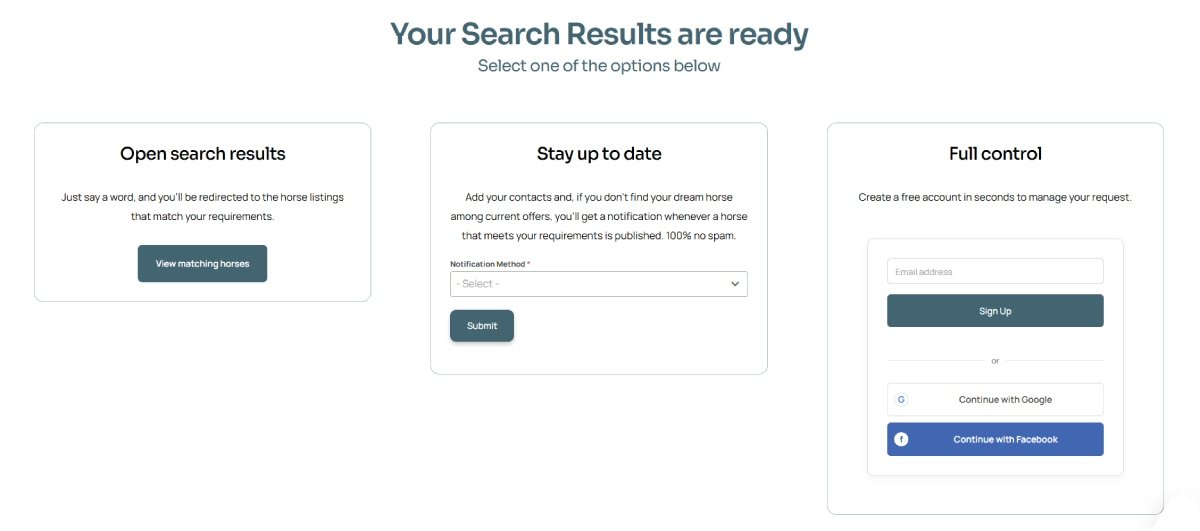
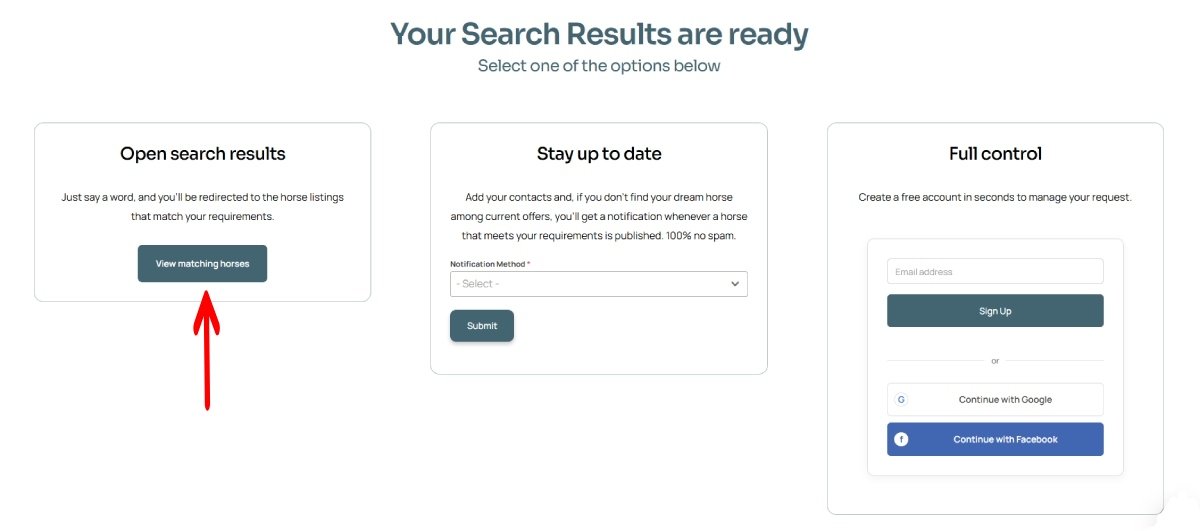
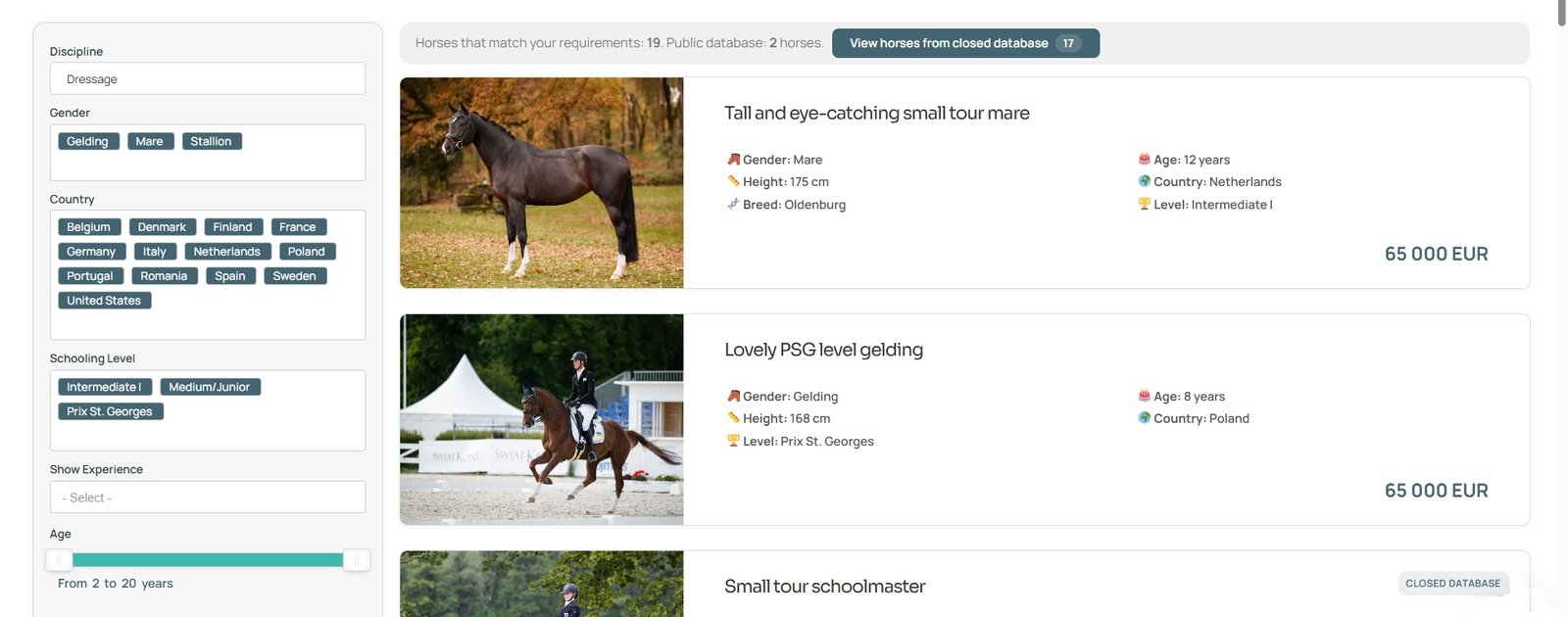
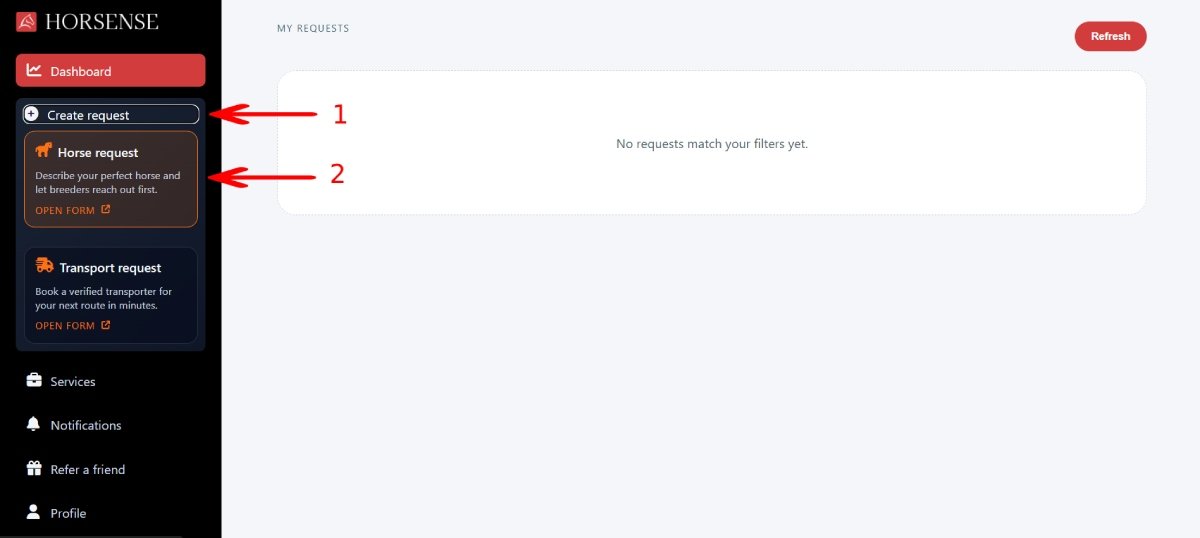
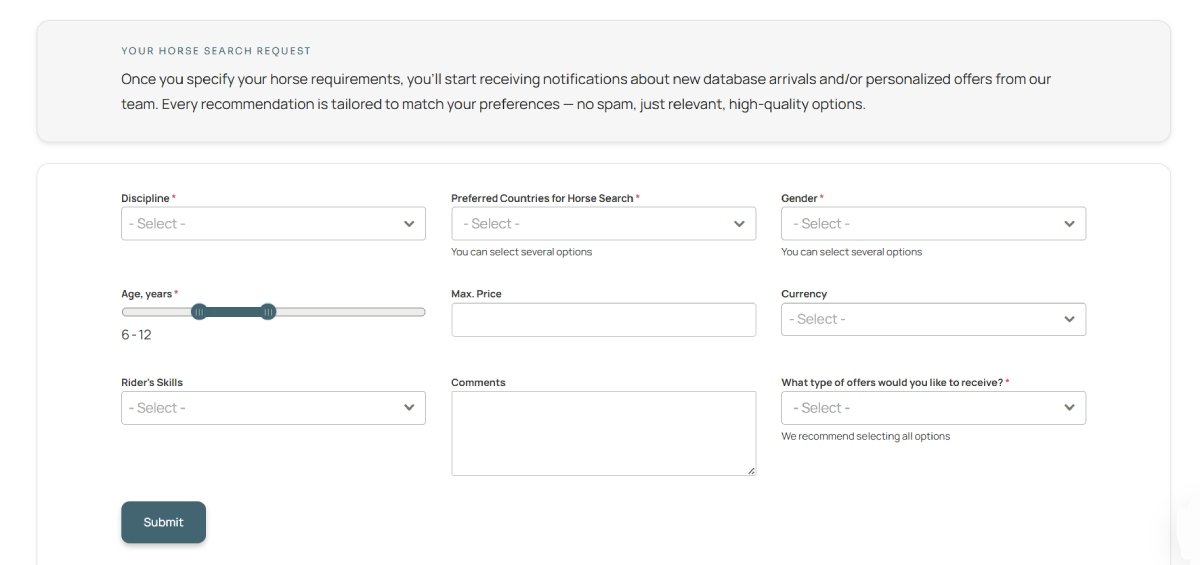
Buying a Horse
Database: Public and Closed
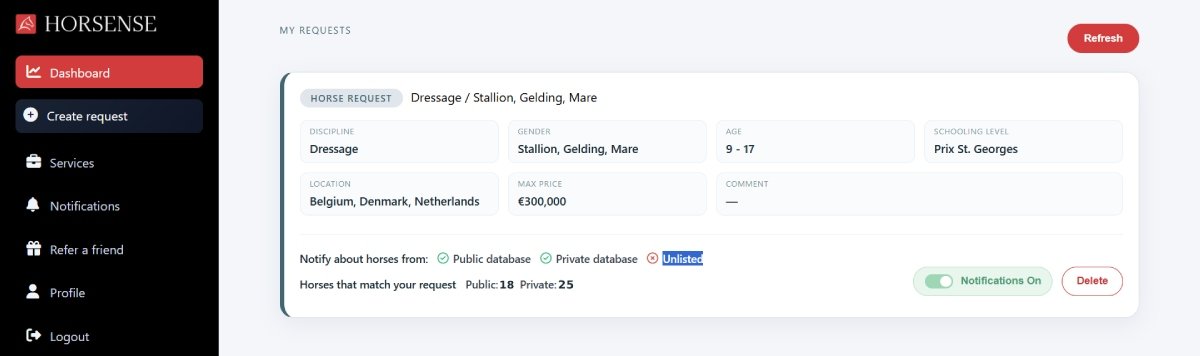
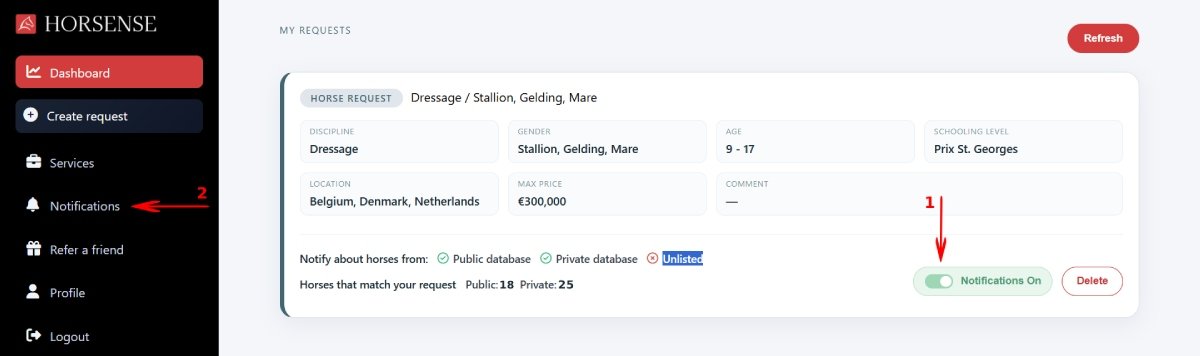
Search Request Notifications
Purchasing a Closed Database Access
Selling a Horse: Database
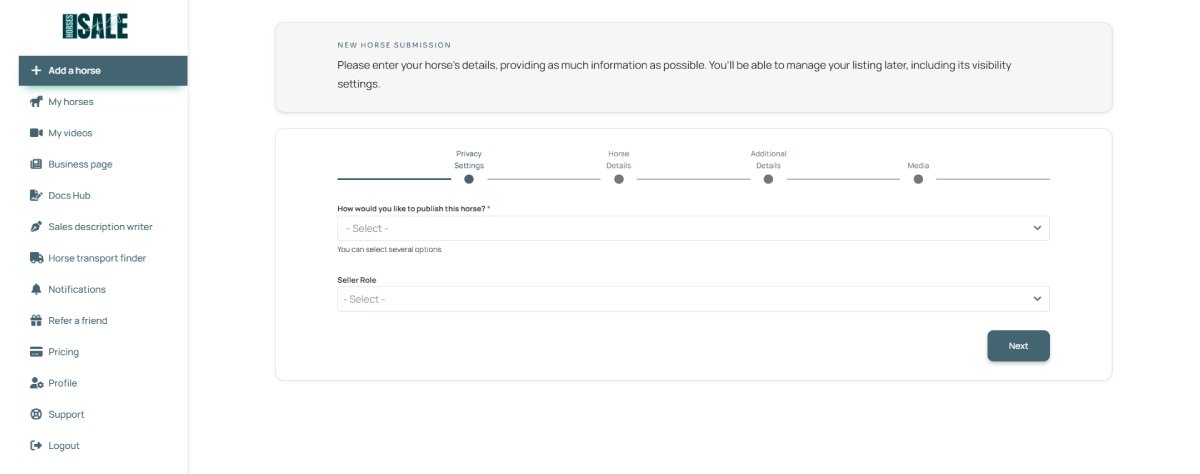
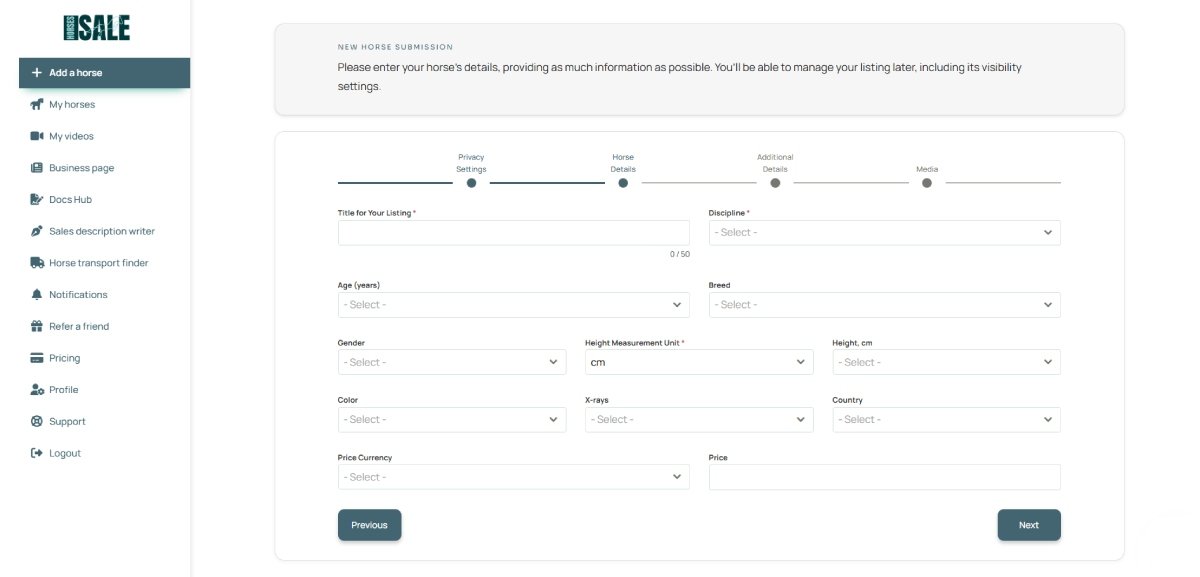
Submitting a Horse
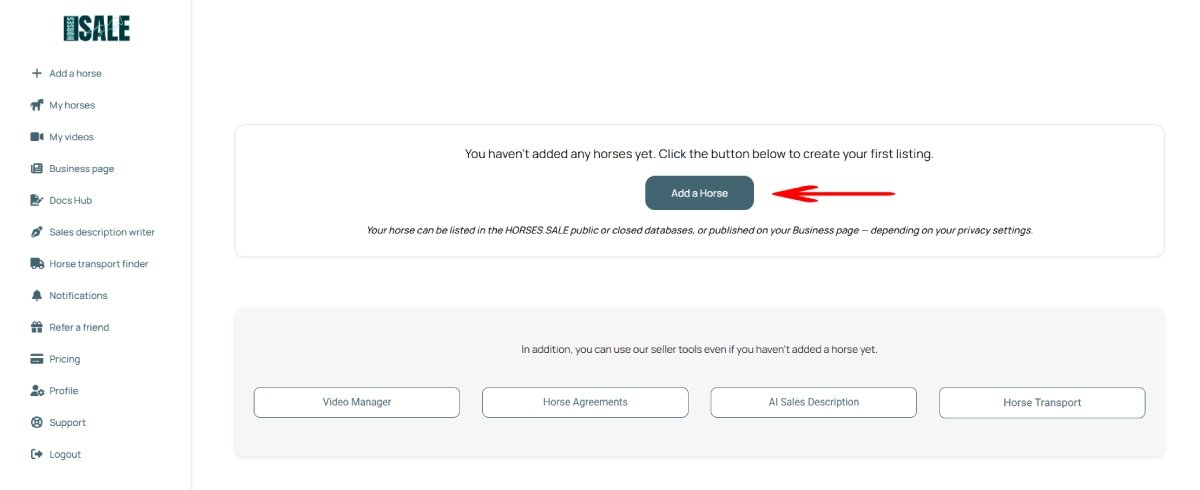
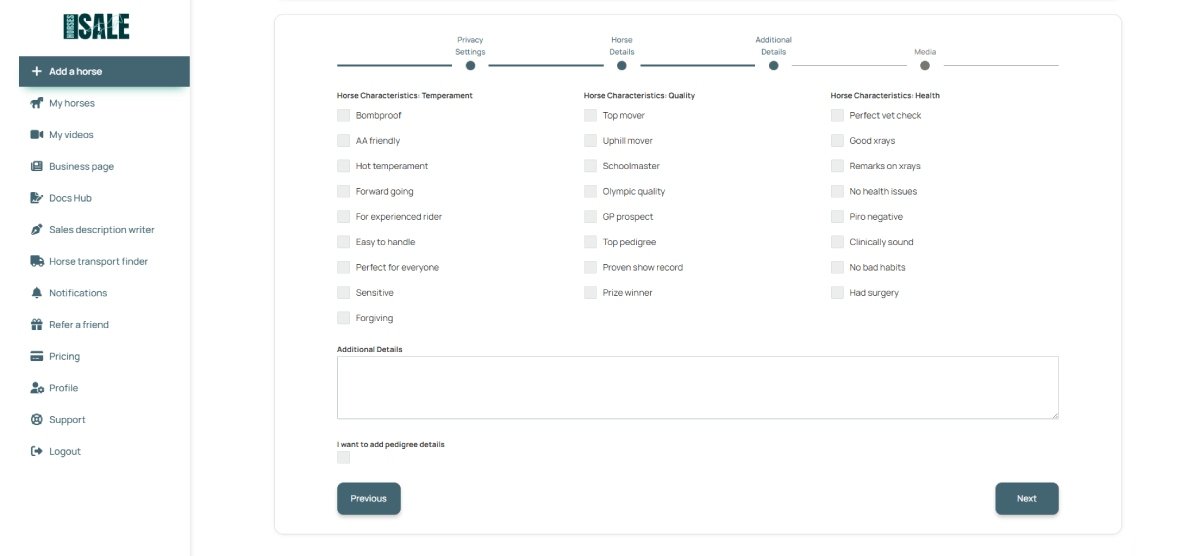
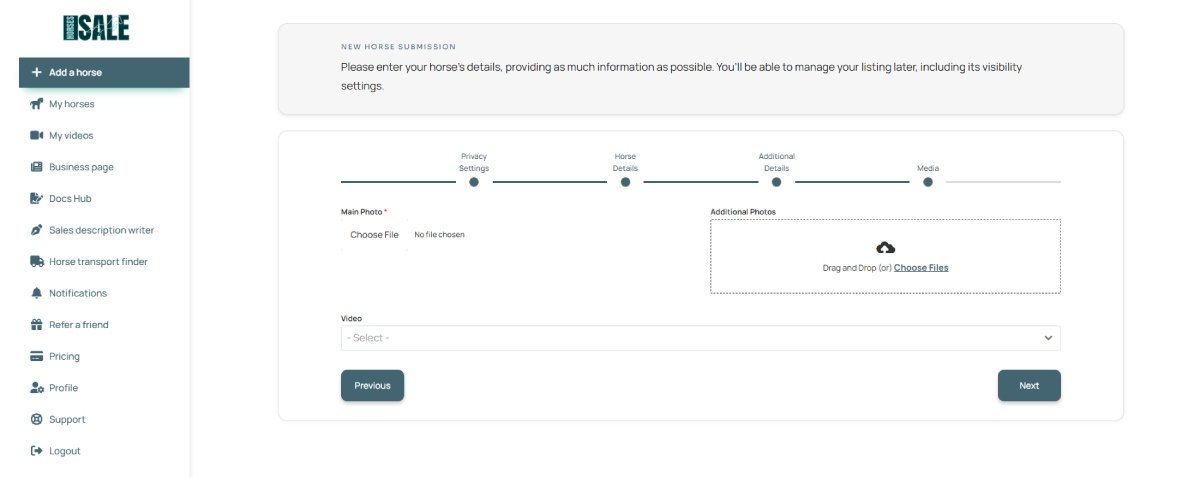
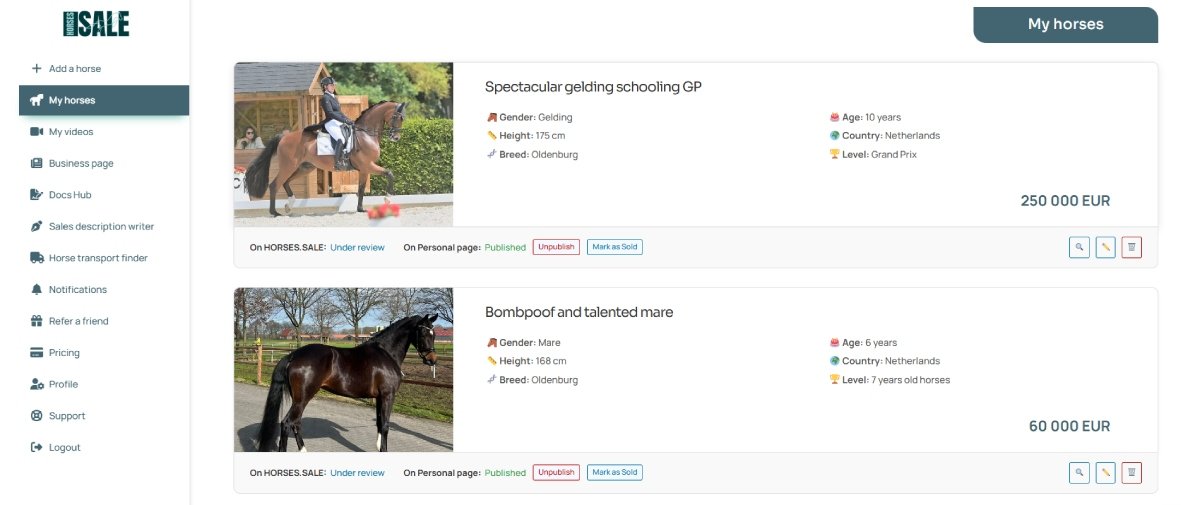
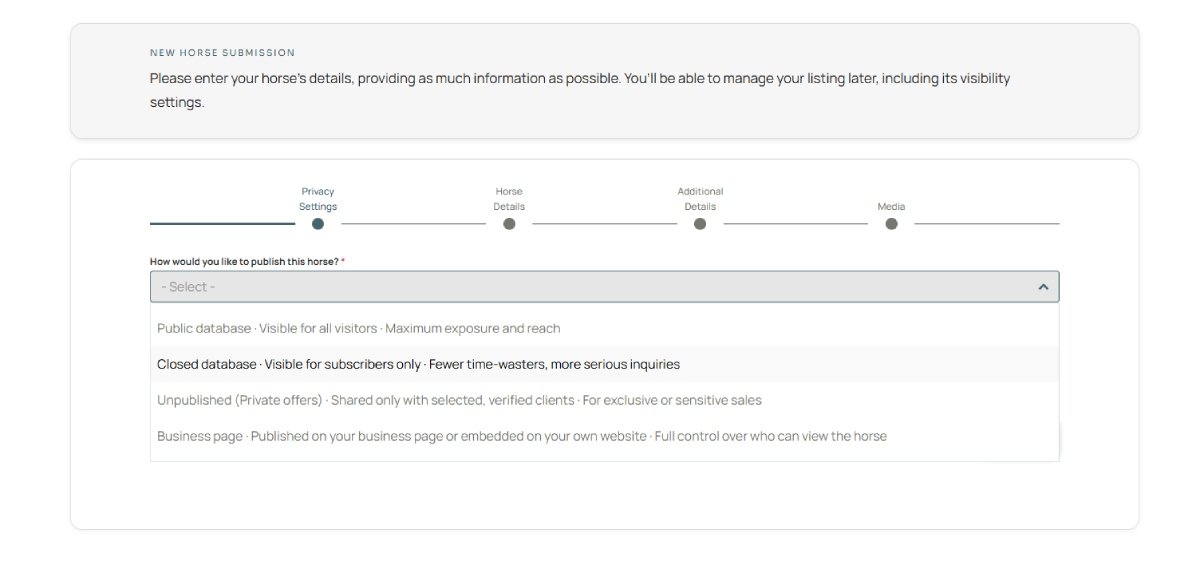
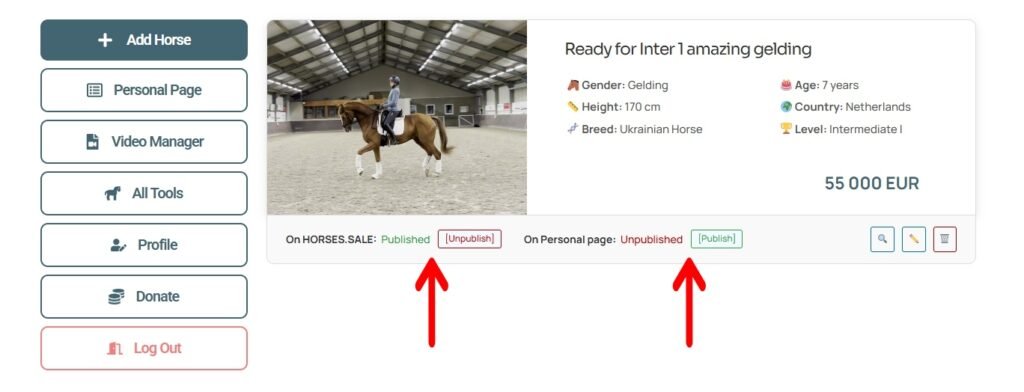
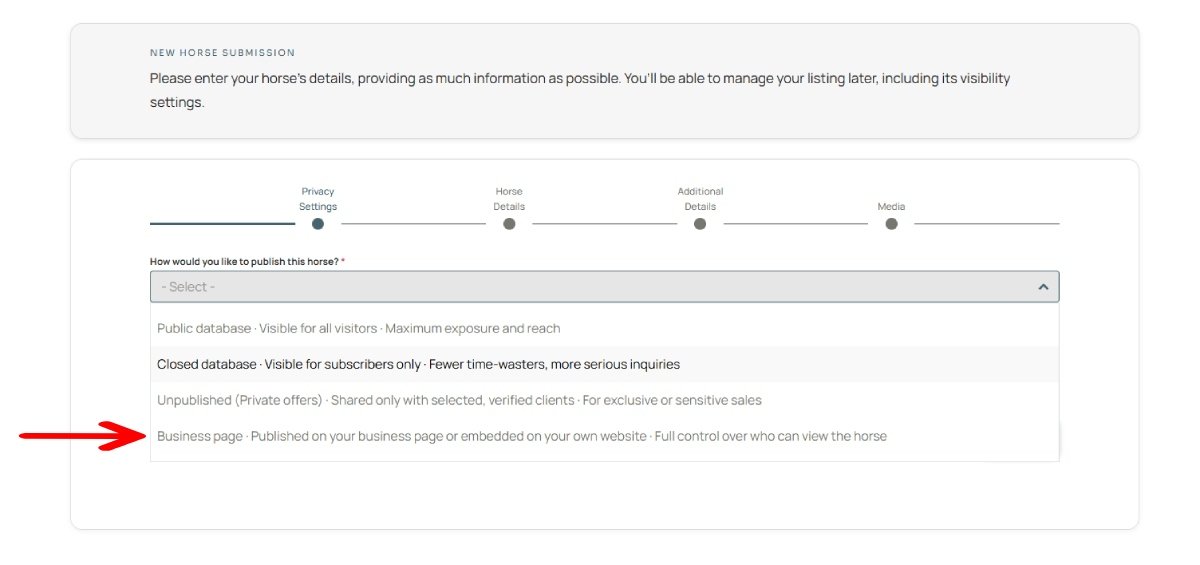
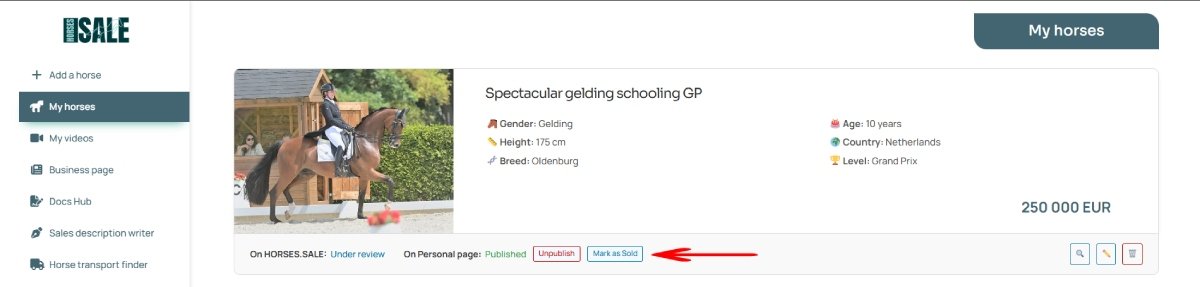
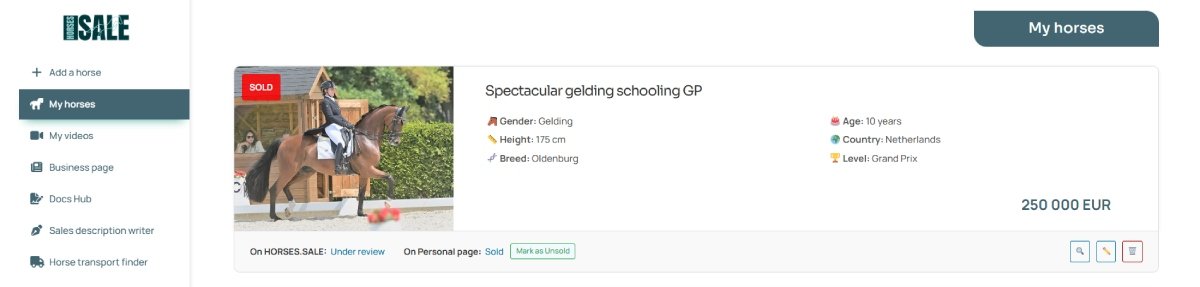
Whether you want to list your horse for sale through HORSES.SALE or simply use the Personal Page feature, the first step is always to create a horse listing.
Selling a Horse: Business Page
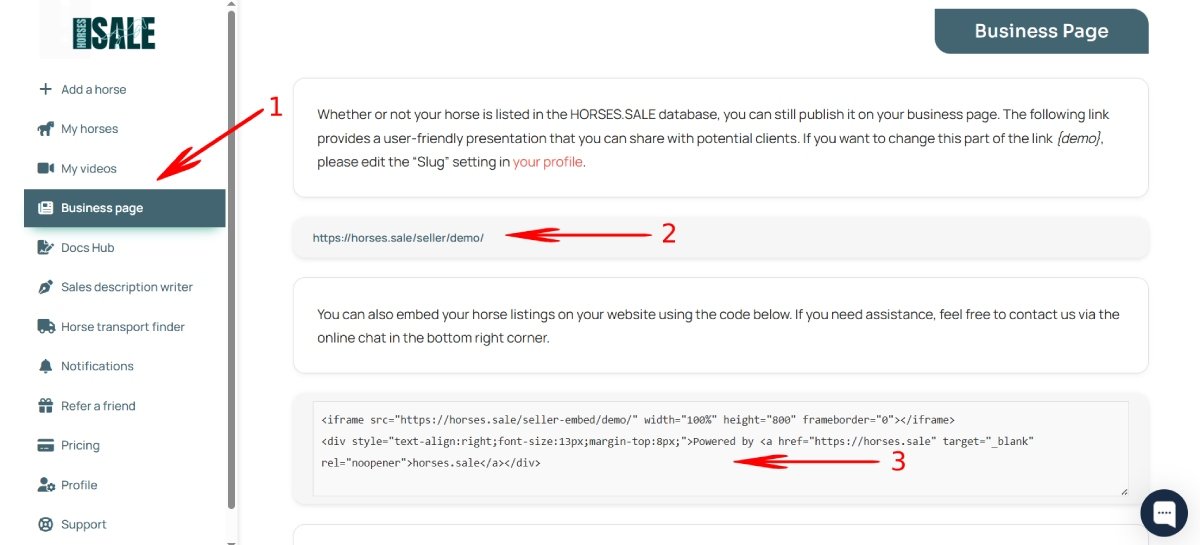
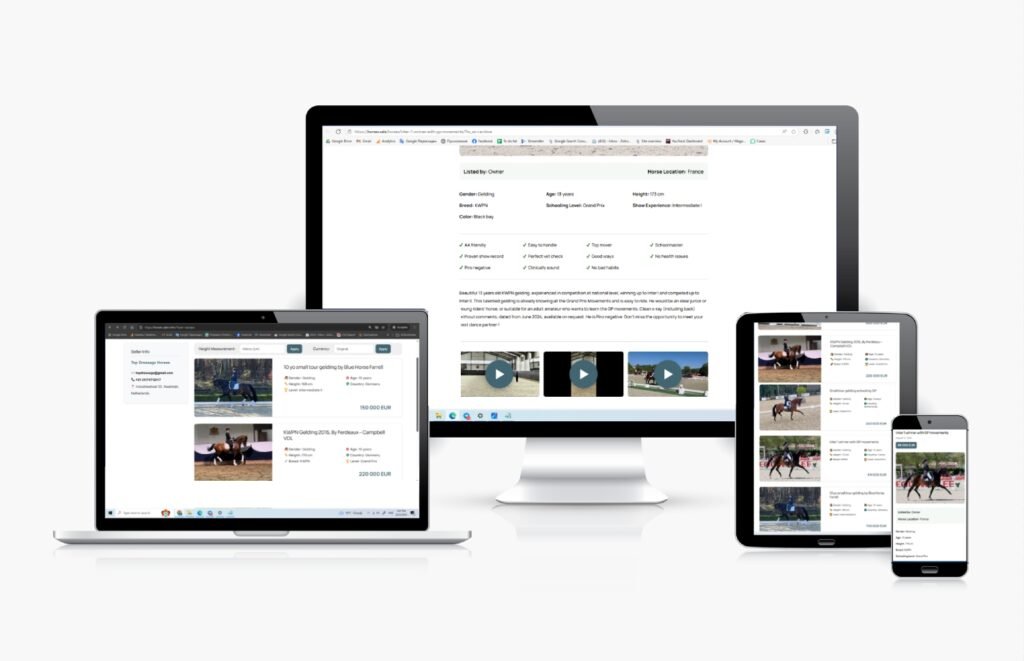
Setting up a Business Page
Selling a Horse: Video Manager
Uploading a Video
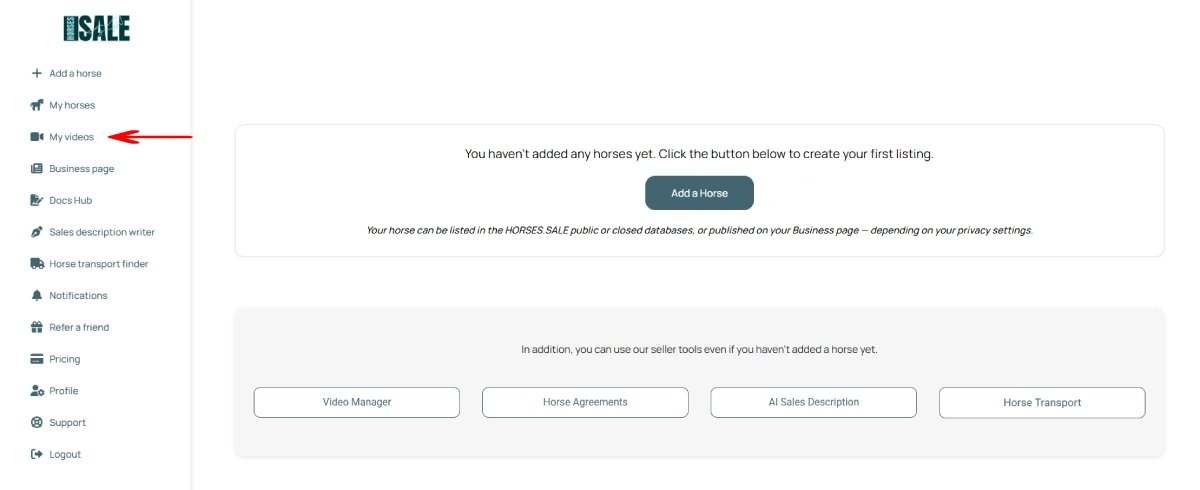
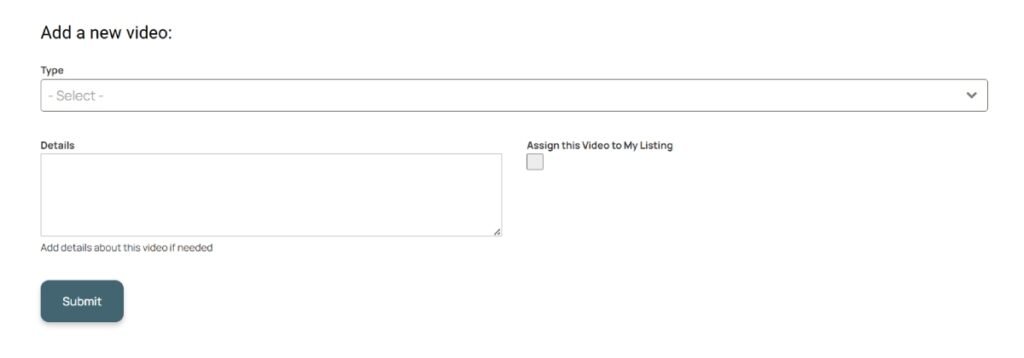
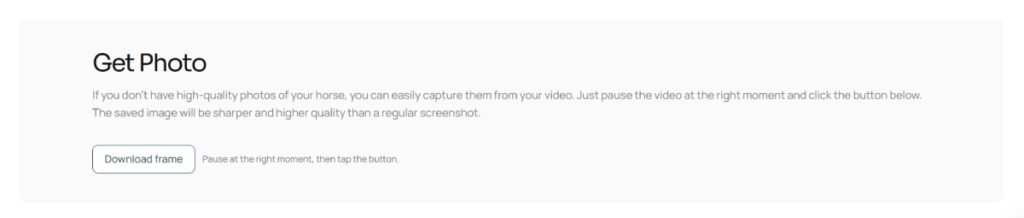
The HORSES.SALE Video Manager allows you to upload and manage horse sales videos, generate preview photos, set privacy options, and more. It can be used both for listings published on HORSES.SALE and as an independent tool. You can upload videos linked to specific horse listings or add them separately without creating a horse card.
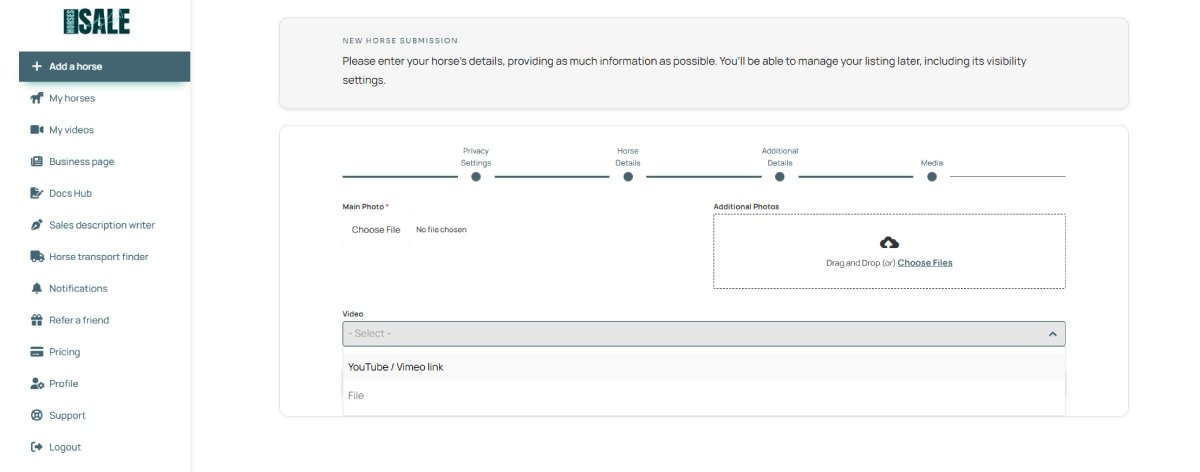
If you are submitting a horse to be published in the HORSES.SALE Closed Database or on your Personal Page, you can upload the video directly during the listing creation process.
Sharing a Video
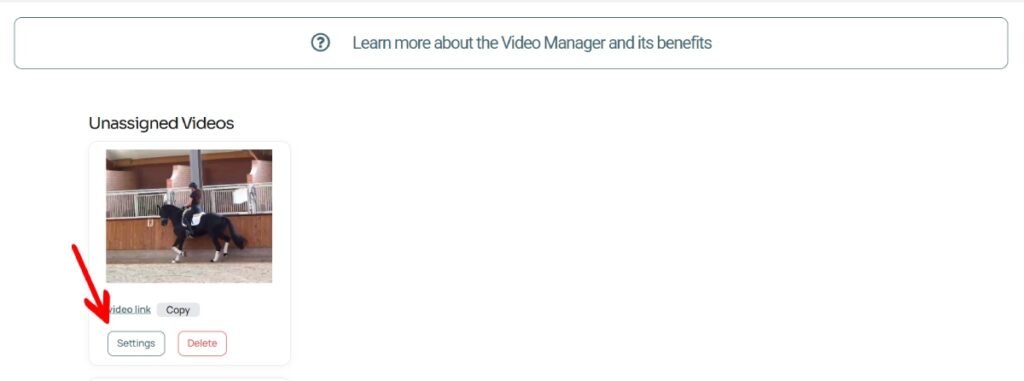
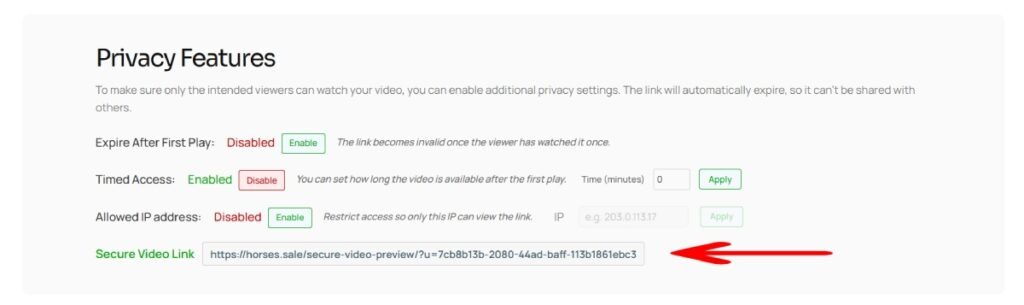
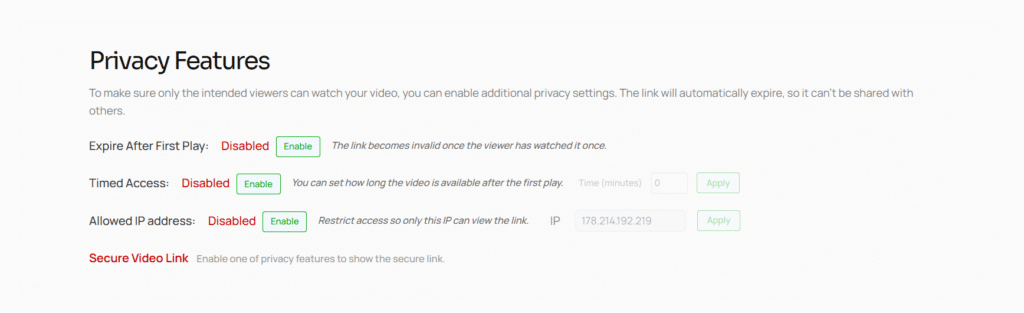
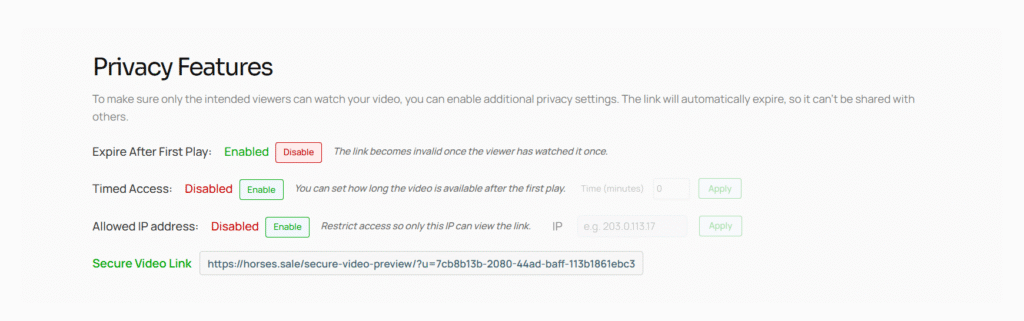
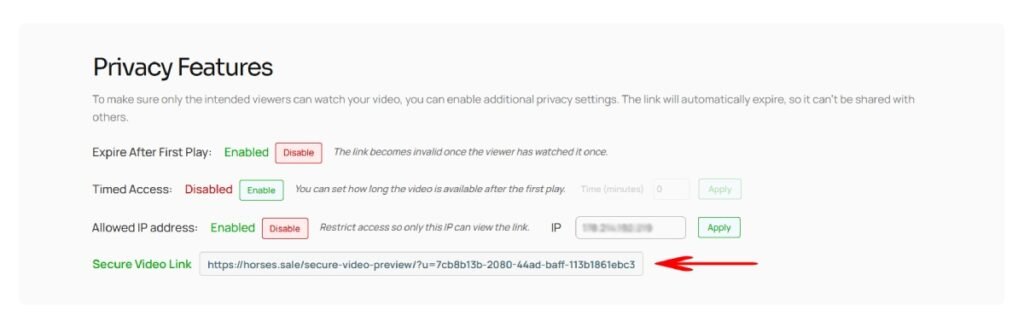
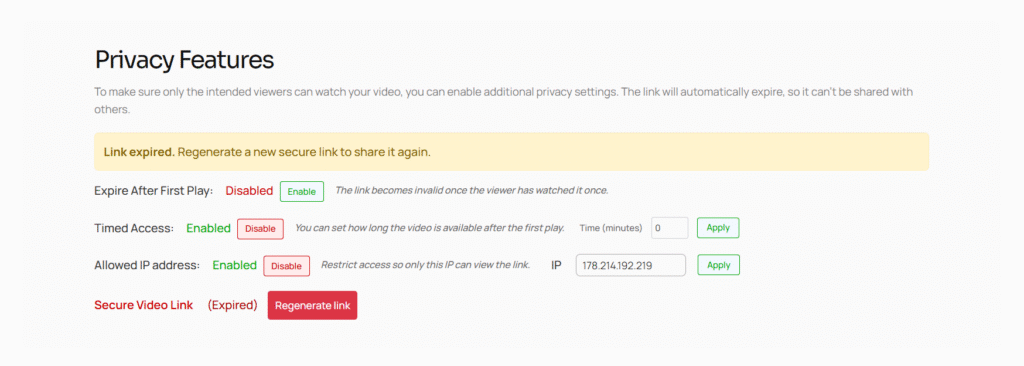
Each video in the HORSES.SALE Video Manager includes two types of sharing links — one for public sharing and another for secure, privacy-controlled access.
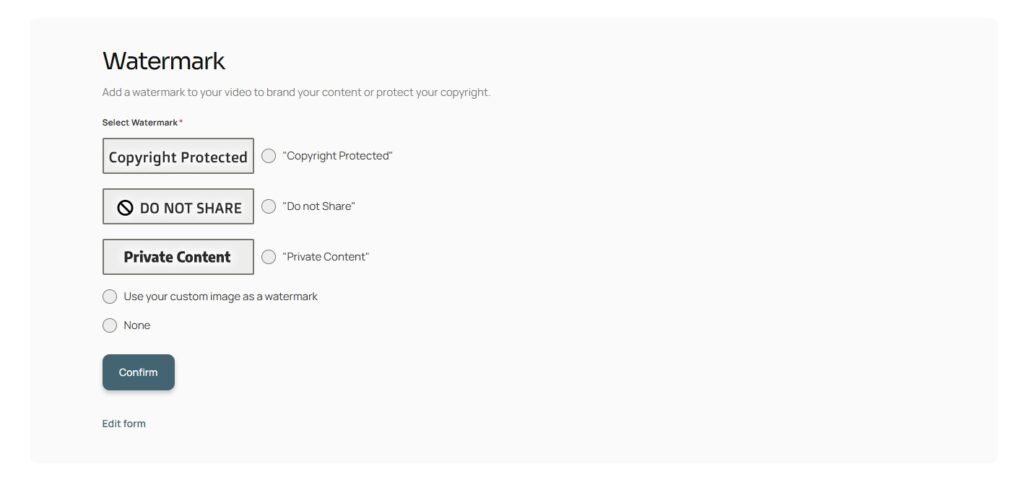
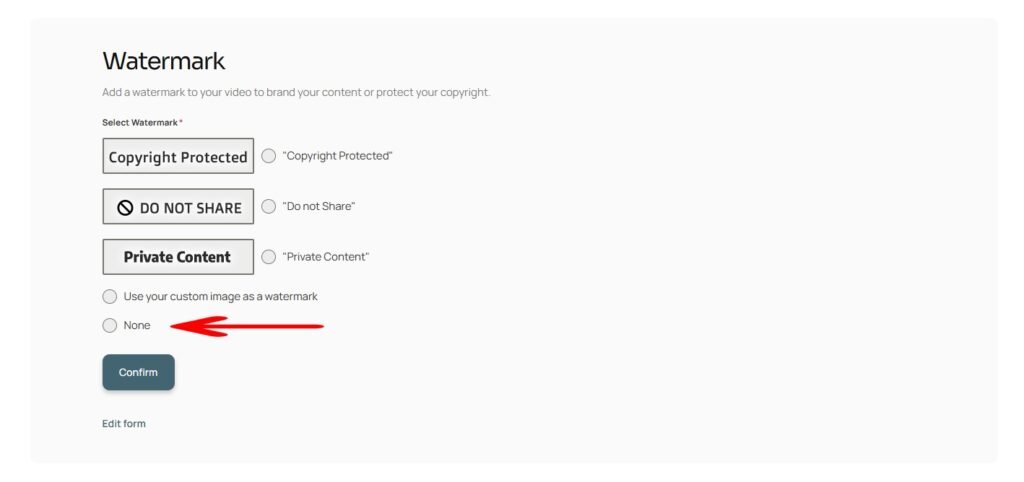
Extended Privacy Settings
Selling a Horse: Docs Hub
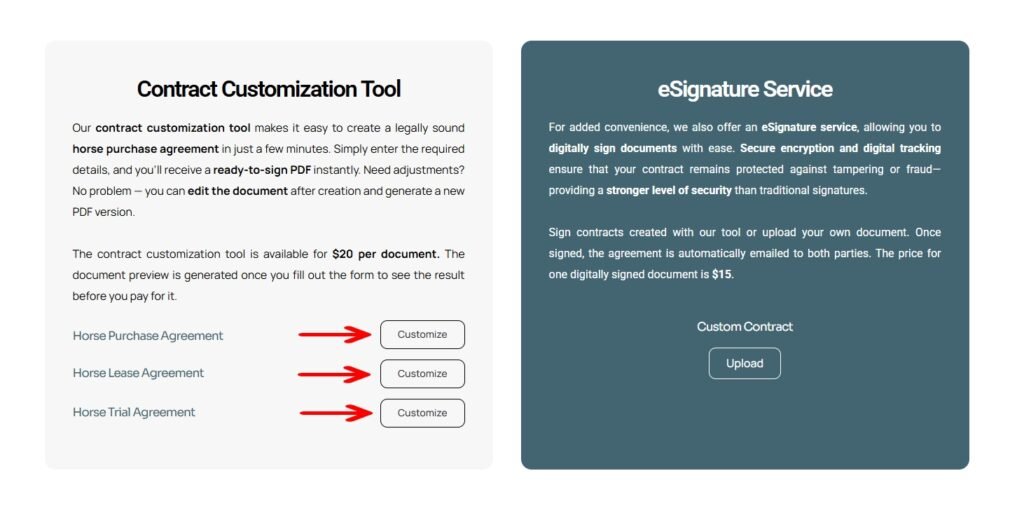
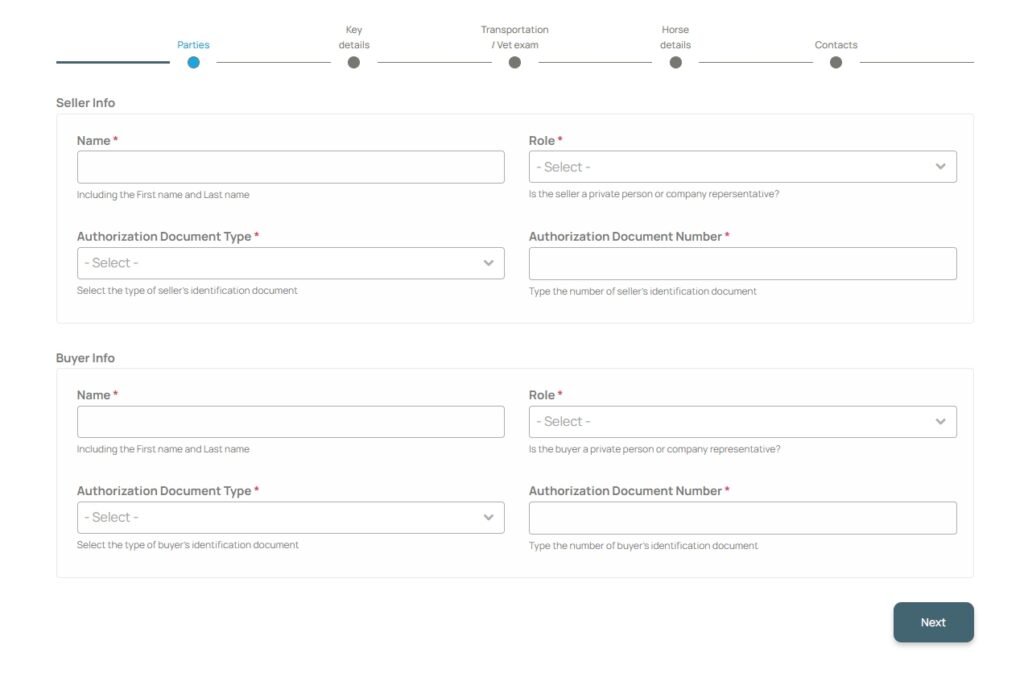
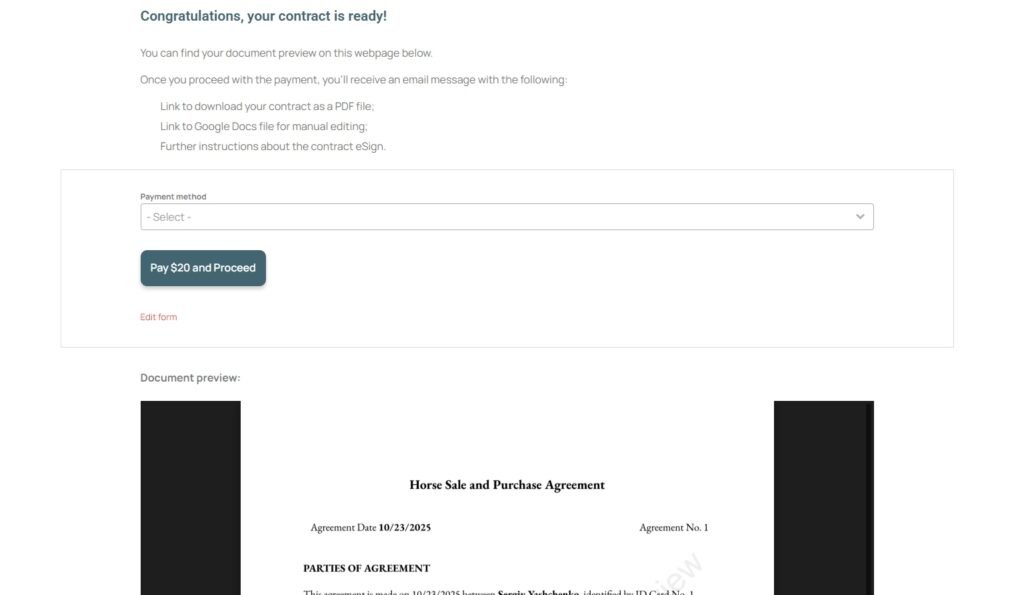
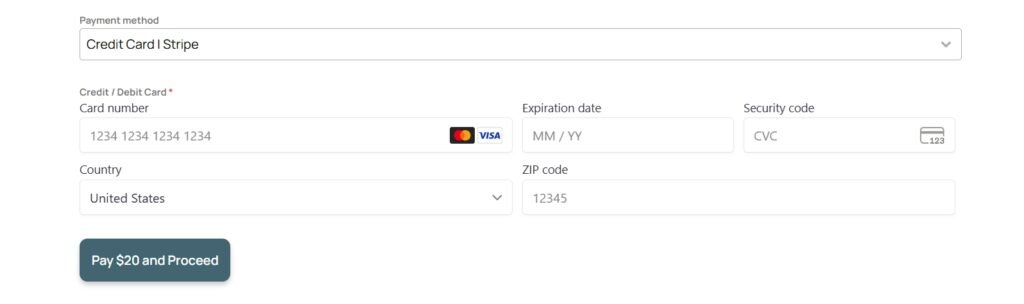
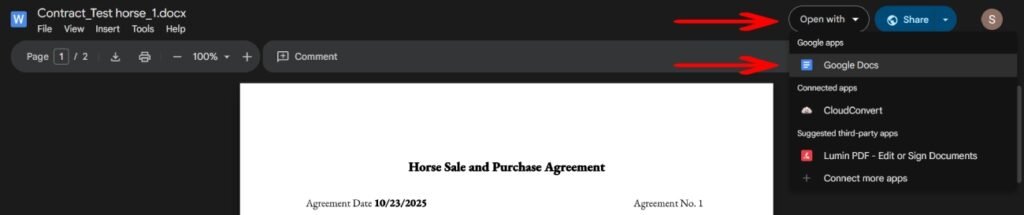
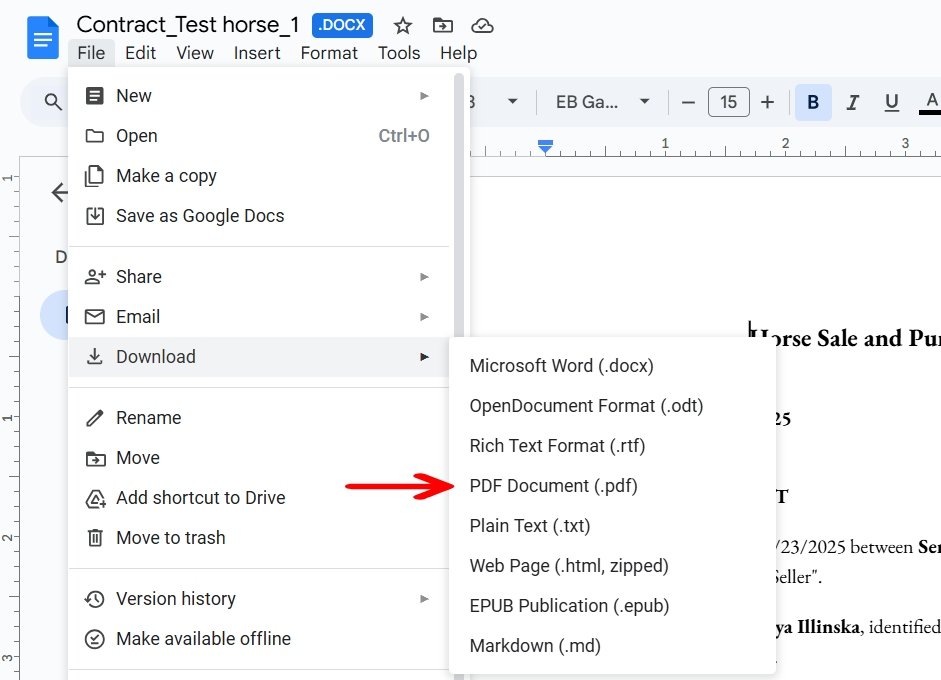
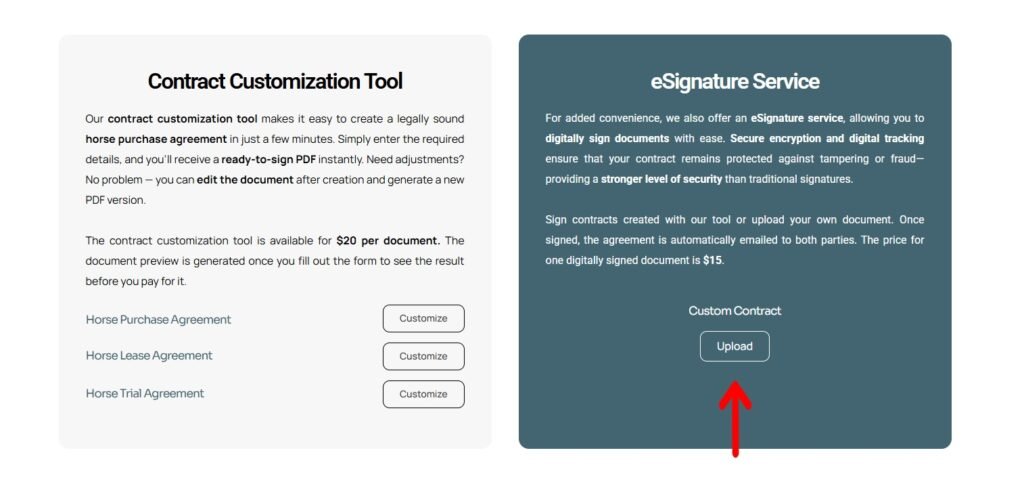
Customizing a Contract
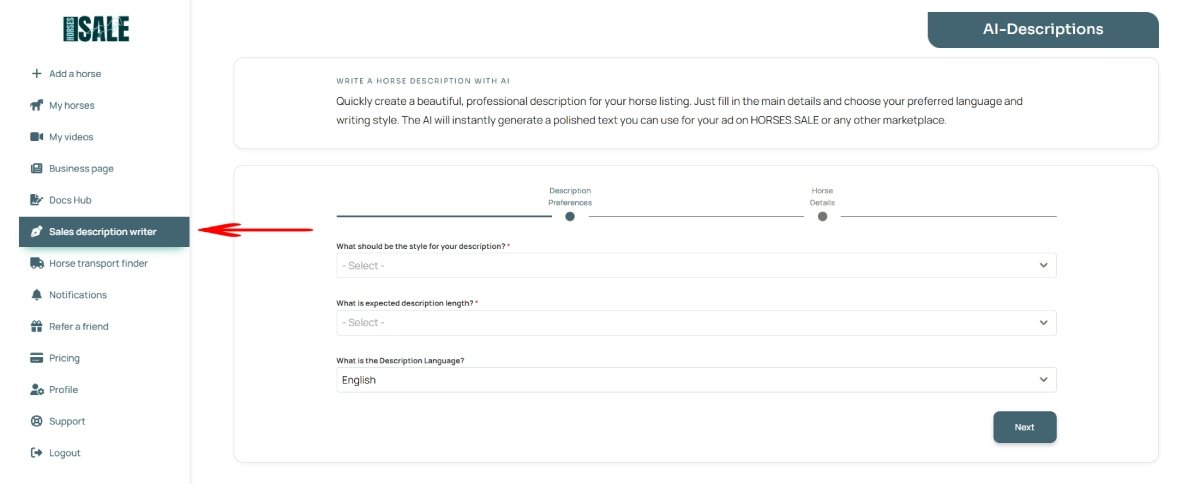
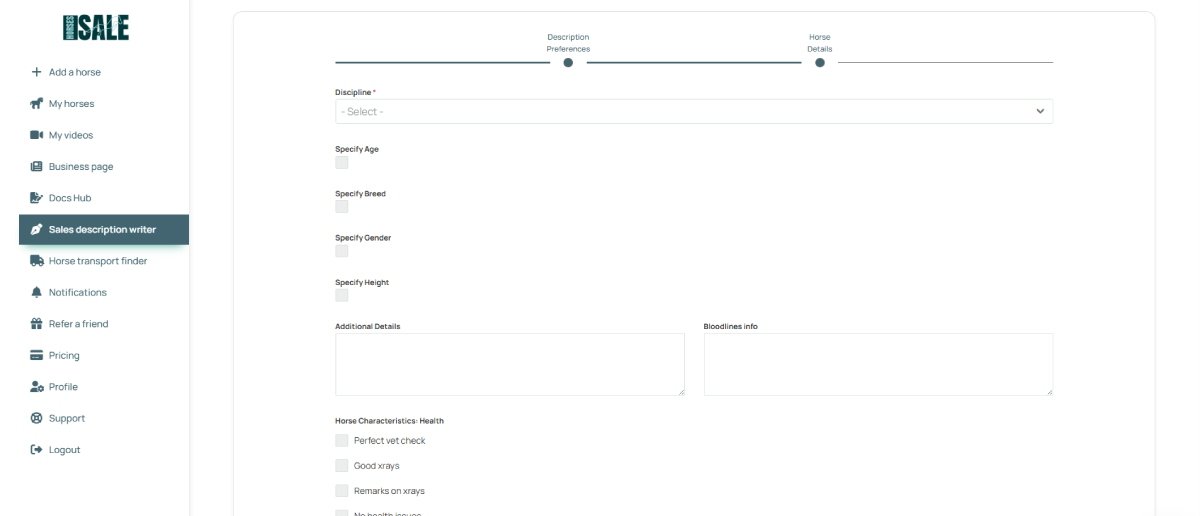
Step 2. Fill out the multi-step form.
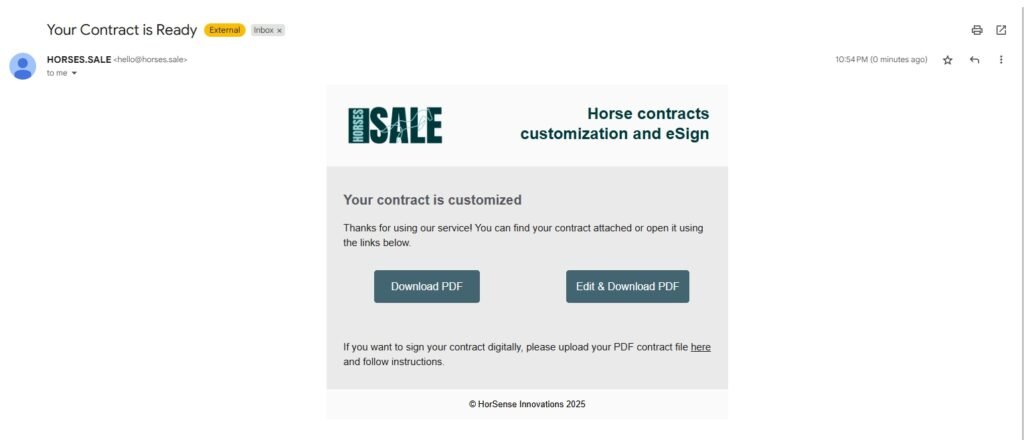
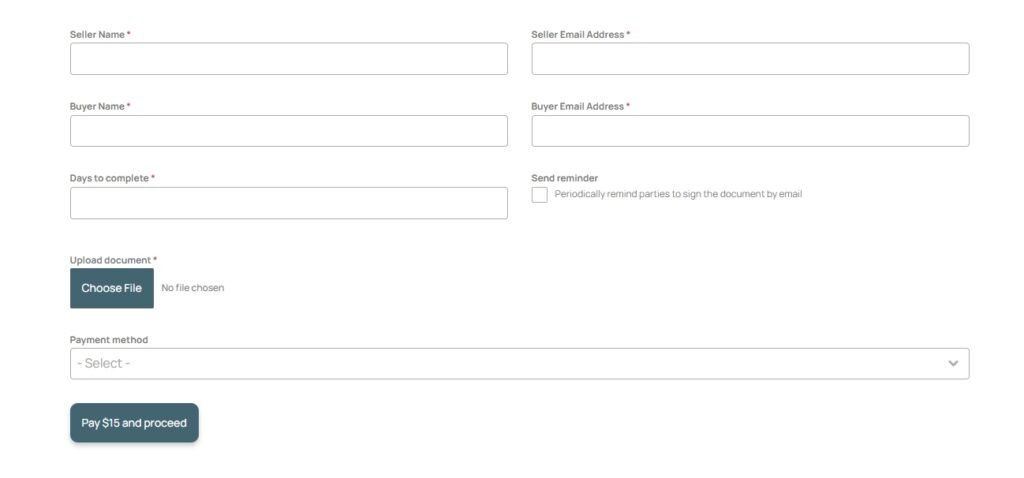
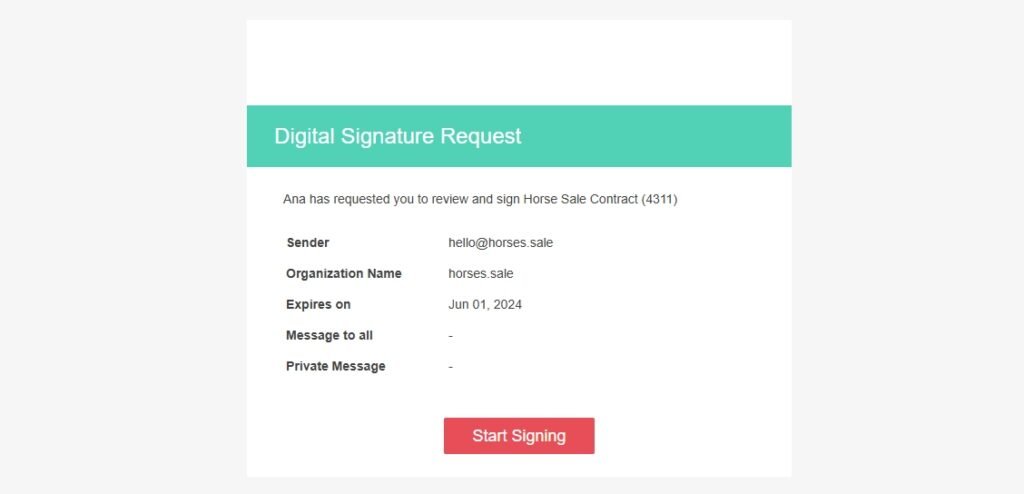
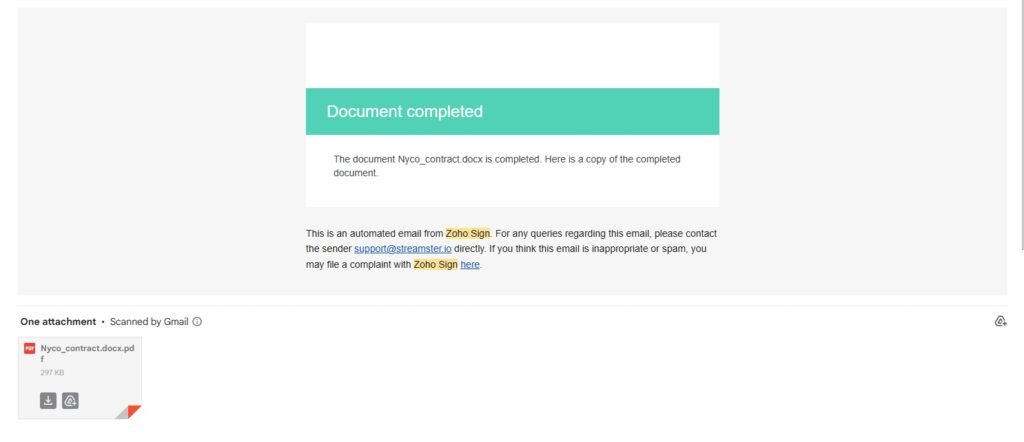
Using e-Signature Service